Approve the facts and access instructions before approving the artwork for an Education Day learning handout. A polished resource list can still point to an old campaign edition, omit a sign-in requirement or send readers to a superseded schedule.
First make registration and access information clear. Then review the claims in the learning material itself. The two checks answer different questions: how someone joins your activity, and whether the information you share accurately describes its sources.
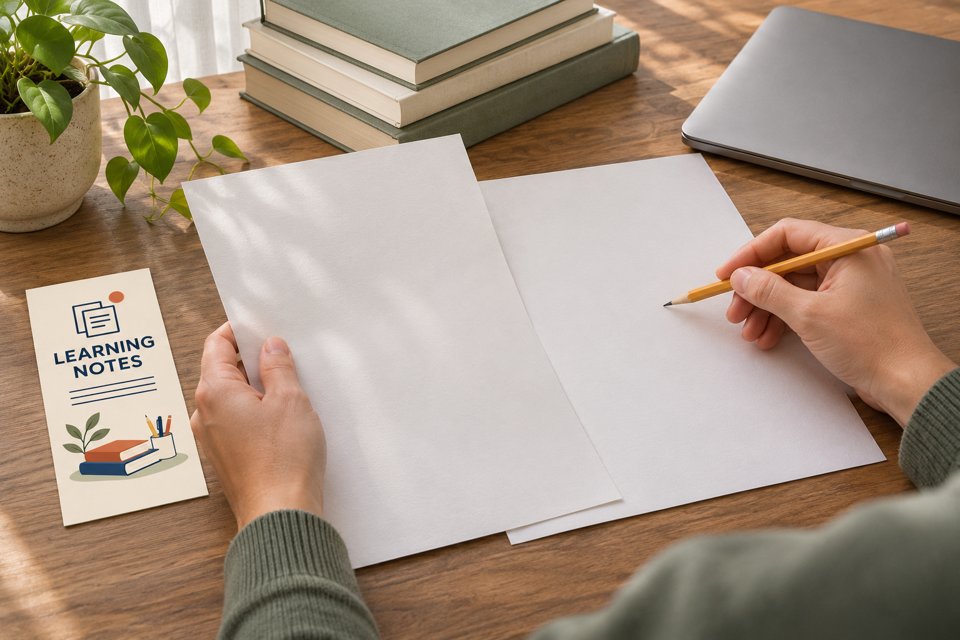
AI illustration of an editorial review. The hands, blank sheets and Learning Notes artwork are illustrative, rather than a record of a real institution’s work.
Separate the annual fact from the edition-specific claim
UNESCO’s International Day of Education page identifies January 24 as the annual observance. When reviewed on November 14, 2026, its celebration section was labelled 2026. An editor can use the annual date while retaining the year on that edition’s theme and event information. This review does not confirm a 2027 campaign theme.
Give each proposed statement a scope. Is it about the observance every year, a particular campaign edition or your own local activity? A local venue or session time needs confirmation from the local organizer; the international observance page cannot establish it.
For a statistic, check the original measure, population and period before including it. A headline number without that context may add less value than a clear explanation of the learning resource. If the team cannot verify the detail needed for a useful statement, leave the claim out of the approved handout until it can be checked.
Preserve the resource’s access conditions
The Seattle Public Library’s Online Learning page lists learning services with library-card requirements indicated alongside them. Some entries also have additional instructions: for example, its ProLiteracy Education Network listing states that account registration is required. These conditions matter when describing who can use a resource and what they must do first.
A useful handout entry names the resource, its purpose and the access step the provider currently gives. Avoid changing a provider’s description into a blanket promise that all linked resources are immediately available to everyone. Check the current resource page again before the event; the editor is describing another organization’s service, not granting access to it.
Test the address that will actually appear in the material. If it redirects to a different service, reaches a sign-in screen or has instructions the summary omits, record the result and correct the summary. Do not place shared personal account details in a general handout.
Worked example: correct an overbroad resource note
Fictional editing example: a community organizer is preparing a learning-resource guide for a local activity. A draft announces an official 2027 theme that the editor has not verified, describes all resources as unrestricted and presents a printed list as the final source of future course details. No real organization is being quoted in this draft example.
“Our Education Day activity follows the official 2027 theme. All resources in this guide are free for everyone to access. Keep this printed course list for current details.”
The editor should resolve each claim separately. Confirm edition-specific wording from the relevant official source; retain the individual resource’s access conditions; and identify the maintained source for changing details. For this fictional guide, the revised note could read:
“International Day of Education is observed on January 24. Our local activity introduces selected learning resources; consult the organizer’s current activity page for its date and arrangements. Check each resource’s own instructions for library-card, account or other access requirements. Resource descriptions were reviewed on November 14, 2026. Use the maintained resource page for updates after this guide was prepared.”
Before publishing that version, add the actual maintained address and verify the entries it describes. If a 2027 theme is later confirmed and relevant, the editor can add it with its source and edition clearly identified. If a resource is replaced, update its description and access step together.
The revision does not prove that every resource suits every learner. It gives readers a more accurate route to the provider’s current information and makes the limits of the printed summary visible.
Keep a brief source record and one approved current version
For each factual entry, keep an internal record of: statement; source address and relevant section; date read; audience or edition limits; person checking it; approved location in the handout; reason to review it again. A changed provider page, a new campaign edition or a revised local plan can trigger another check.
Reviewing the source and reviewing the proof are separate tasks. The source check establishes what supports the wording. The proof check confirms that the approved wording, links, artwork and version reached the actual file. A record saying “checked” is not useful if it cannot be tied to the sentence that readers will see.
When correcting a distributed guide, retain the previous version internally and mark the replacement clearly in the working records. Update the maintained page and other active copies through the organizer’s process. Tell the relevant team which version to use. Do not assume that uploading a new PDF automatically replaces every attachment or paper copy already in circulation.
Keep approved artwork and any third-party material review in the same release process. A factual source citation is not a statement that its organization endorses your event or has approved your design.
Print the stable route, with a review owner
If the resource address and general instructions will be reused, custom rack cards for a maintained learning-resource guide are one possible format. Assign someone to check the destination while the cards remain in use. Keep changing course availability and personal access status in the maintained system.
The linked paper SKU is 3.74 × 8.27 inches, with a default 14pt glossy option and a starting quantity of 50. A holder is separate. Check the actual-size proof and rack card formats and options when preparing approved artwork with DecentCustom.
The illustration is an AI concept for an ordinary paper resource guide, not an official campaign item, certificate or finished customer order. If a maintained digital resource list already serves readers, use that instead of adding a printed version that nobody will keep current.
Sources and the linked SKU were reviewed November 14, 2026. The editing example and source-record method are editorial suggestions. They do not establish a real event, provider endorsement, universal resource eligibility or measured learning, search or sales results.