Give participants the information they need to decide whether and how to join, with a contact route for questions that the notice cannot answer. An Education Day invitation needs more than a welcoming headline: the registration step, arrival details and current update source must agree.
Before writing the invitation, choose the learning activity first. Then describe the arrangements the organizer has actually confirmed. This guide focuses on participant information, rather than on choosing a lesson or measuring its results.
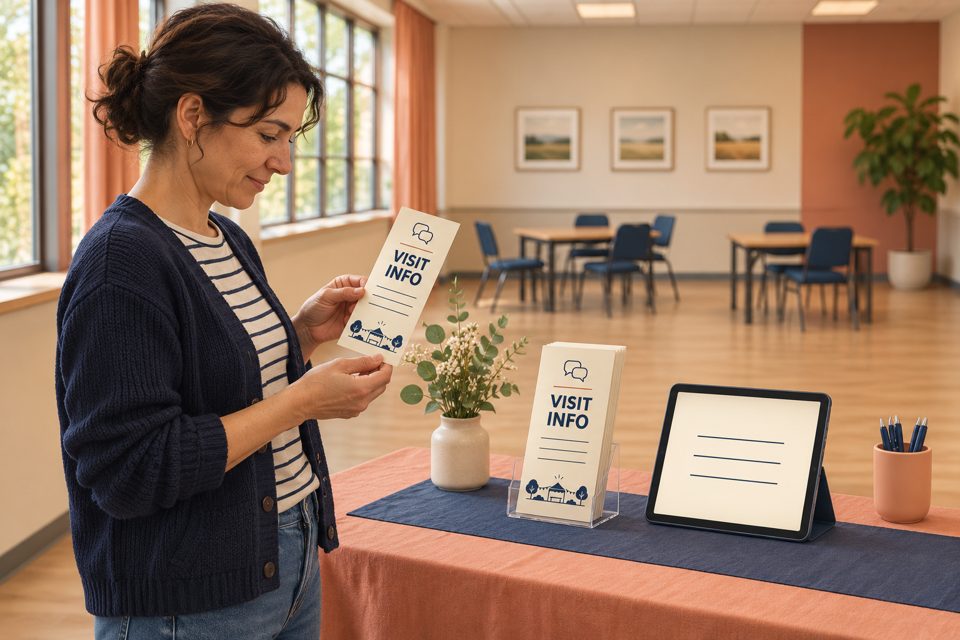
AI illustration of visitor-information planning. The person, venue, paper artwork and tablet display are illustrative; the image does not verify accessibility.
Answer four questions before people make plans
Read the notice as someone who has not attended before. Can they identify the activity they are joining, and what they need to do next? Use these four questions as an editorial check:
Do I need to register? State whether the activity requires a booking, permits drop-in participation or has a different arrangement. Explain what confirms a place. An inquiry form is not automatically a reservation.
Where and when do I join? Give the actual activity date, start and end times, relevant time zone for online participation, venue or joining route, and the entrance or check-in instructions that apply.
Who can answer a participation question? Identify the host’s appropriate contact route and explain how requests are handled. Do not leave a learner to infer support arrangements from a logo or welcome message.
Where do I find changes? Name the maintained event page or other channel that will carry the current arrangements. Keep its information consistent with booking confirmations and other invitations.
International Day of Education is observed on January 24. Your local activity may use another confirmed date. Label the local schedule clearly; an observance date on the artwork should not compete with the date people must actually attend.
Provide a request route without promising an unconfirmed service
W3C’s Making Events Accessible checklist recommends asking speakers and participants about their accessibility requirements, coordinating needed materials before the event and informing participants of schedule changes. Its guidance covers in-person, remote and hybrid settings.
The Seattle Public Library’s accessibility information provides an example of a named support route: it describes its Library Equal Access Program and gives a way to ask for help. Those are the Library’s services. A different host should state its own confirmed arrangements and contact process.
In an invitation, “contact the event coordinator to discuss a participation requirement” describes a route. “Every request is already covered” announces an outcome. Use the first kind of wording while a request still needs discussion, and make sure someone is responsible for responding. Follow the organization’s established process for requests that need further review.
Keep ordinary event promotion separate from personal request handling. A public poster or social comment thread is not the place to publish a participant’s private details. The event notice can direct people to the appropriate individual contact route.
Worked example: replace “all welcome—see you there”
Fictional planning example: a community group has confirmed a free adult learning-resource introduction, a room and a coordinator. It requires registration and will send a separate place confirmation. The organizer maintains one event-information page. The following example demonstrates the wording structure; it is not an invitation to a real event.
“Join our adult learning-resource introduction. Please register through the event-information page and wait for the place-confirmation message before making arrangements to attend. Your confirmation will include the session date, start and end times, venue and check-in instructions. For a question about joining or a participation requirement, contact the event coordinator using the route on that page so we can discuss the arrangements with you. Check the same page for updates before travelling.”
The example gives a clear sequence, but it still needs the real event details before publication. Replace the general page reference with a usable address and named contact route. Publish the confirmed date, times and location in the invitation itself as well as in the confirmation; do not make people register simply to discover whether they can attend.
If the actual event is drop-in, remove the registration and place-confirmation instructions. If it is online, replace the travel sentence with the relevant joining and update instructions. If support has been agreed with an individual, communicate that arrangement through the established private route rather than inserting personal details into the general notice.
A useful final review asks someone unfamiliar with the plan to explain the next step back to the organizer. Their feedback can reveal an unclear instruction. It does not by itself certify the event’s accessibility or demonstrate that every participant’s needs have been met.
Give each change one owner and a visible current version
When a time, room or joining step changes, decide who approves the correction and which participant channels need it. Update the maintained event page, then revise the other active notices and send the appropriate information to registered participants through the organizer’s normal process.
For a practical internal check, record: changed detail; approved wording; approving person; affected page or notice; participant notification route; person completing the update; time checked. This is an editorial handoff suggestion, not a claim that a particular booking platform will make those changes automatically.
Compare the old and new wording directly. Does a paper handout still name a previous room? Does an email suggest that an inquiry confirms a place? Does a translated notice preserve the same joining step? Correct the actual inconsistency rather than adding another general reminder.
Keep a readable text route to the information. A QR code may be an additional shortcut if tested, but a code on its own does not explain the event or guarantee that the linked information is usable. Review the intended formats and participant questions with the responsible host.
Keep print as an additional information route
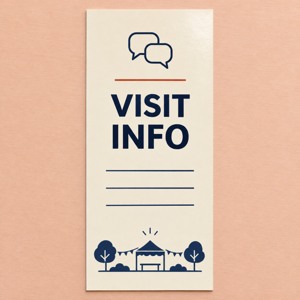
If reception needs a reusable summary of the maintained event-information address and general contact route, custom rack cards for general visitor information are one possible format. Keep changing session details and individual registration status in the maintained system.
The linked paper SKU is 3.74 × 8.27 inches, with a default 14pt glossy option and a starting quantity of 50. A holder is separate. Review an actual-size proof and rack card formats and options when preparing approved artwork with DecentCustom.
The image is an AI design concept for ordinary paper, not a booking ticket, official campaign item or accessibility certification. Use other suitable information formats alongside print as required by the actual arrangements. If the current event page and email already serve participants, there may be no additional printing task.
Sources and the linked SKU were reviewed November 13, 2026. The notice and internal check are editorial examples. They do not confirm a real event, a participant’s support arrangement, legal compliance or measured participation, learning or sales results.