An age group tells a visitor which activity applies. It does not automatically tell them when to arrive, whether to register or whether an accompanying adult needs a participant ticket.
Age-separated areas can start at the same time
A draft that lists three age groups in three rows can accidentally look like a timetable. Add an explicit start pattern: simultaneous, staggered or separately scheduled sessions, according to the actual organizer's instructions. Do not create different start times because a design has three empty time boxes.
The City of Falls Church's published 2027 hunt information, checked November 13, 2026, describes age groups of 0–3, 4–6 and 7–11 that start together. Its March 27 event lists activities from 9:15 a.m. and the hunt at 10 a.m., with no registration required. Those details belong to that event; they do not establish another community's arrangements.
A family's arrival decision needs both the overall program and the actual hunt start. If there are separate age areas, explain how visitors obtain current area directions. Do not invent a field location, a permitted crossing route or an adult-assistance rule from a generated picture.
An accompanying adult is not automatically an adult-hunt entrant
A parent asking about a child's hunt and an adult wanting to enter a separate contest are asking different questions. Keep their information routes separate. A paid adult activity does not, by itself, show that every accompanying parent must buy a ticket. Conversely, free children's activities do not prove that all activities at the event are free.
Sausalito's archived 2026 egg-hunt page illustrates the distinction: it describes free children's activities without registration and a separately ticketed adult hunt. We are using that as a past example, not a 2027 ticket policy. Some adult check-in details on that page differ between sections, so this guide does not select a time or tent location from those conflicting entries.
Where a real page is unclear about adult accompaniment, ask the organizer and use the confirmed answer. Do not turn silence into permission to enter a hunting area, or into an invented ticket charge.
Write four participation fields before designing the notice
| Field | Question to answer | Common misleading shortcut |
|---|---|---|
| Age group or activity | Which published group or separate activity applies? | “Family event” with no activity distinction |
| Start pattern | Do groups start together, or at different confirmed times? | Implying a timetable through row order |
| Entry or registration | What does the organizer require for this activity? | One “register here” label covering unrelated activities |
| Adult role | Is this accompaniment, assistance or entry in an adult activity? | Assuming all adults have the same ticket or field access |
These are communication fields, not a new eligibility policy. Keep the organizer's exact age boundaries and conditions. If age is defined as of a particular date, use the organizer's published rule rather than inventing one. Staff should direct unresolved questions through the event's approved help route.
Correct the notice and the staff explanation together
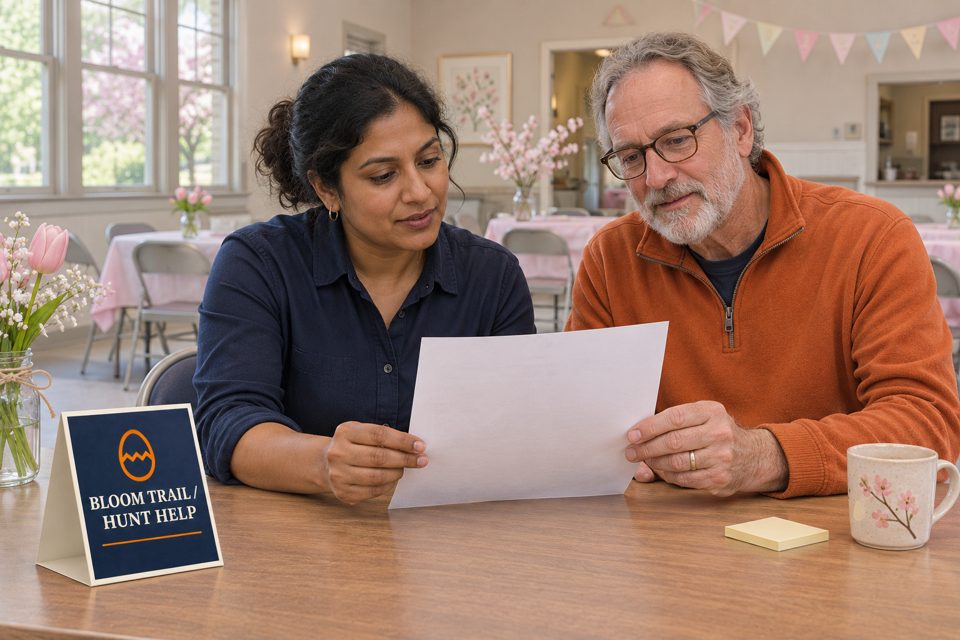
Fictional copy-review example: Bloom Trail's draft assigns separate start times to three age zones and adds “adult tickets required” beneath the children's information. The organizer confirms that its three zones start simultaneously and that its separate adult contest has its own entry process. The editor removes the invented staggered times and moves adult-contest information into a distinct activity block.
The revised children's block now states the confirmed start pattern and points to the organizer's actual accompaniment instructions. The adult-contest block names its own entry route. A second reviewer checks both against the confirmed event brief. Desk staff receive the same two-block explanation, and outdated paper copies are replaced through the team's normal process.
In a final test within this example, a colleague playing a visitor can identify the child's start information without being sent to the adult-contest entry route. That is the completed editorial check. It is not evidence that a real family attended, paid a fee or received permission to enter an area.
Keep the desk cue short and the detailed rules current
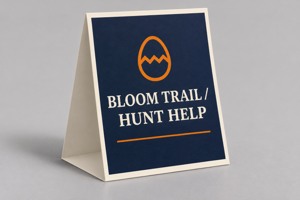
An optional indoor help-desk identifier
These custom table tents for event help desks list a 5 × 7-inch size, 14pt paper and a minimum allowed quantity of 25. A minimum quantity does not tell you how many help desks the event needs.
Compare custom table tents for visitor information or review the actual artwork with DecentCustom. The AI concept identifies an indoor help point; it is not an entry pass, a weatherproof field sign or proof of approved placement.
A suitable existing desk marker and a current paper brief may already do the job. Keep detailed, changing participation rules with the maintained event information and trained staff explanation rather than squeezing them onto a small permanent cue.
Official Falls Church and Sausalito pages and the linked product reviewed November 13, 2026. Falls Church's cited entry is for 2027; Sausalito's is explicitly archived 2026 information. The framework and Bloom Trail review scenario are editorial examples, not universal admission rules or actual event outcomes.