A customer can receive an order email before there is anything to collect. Another customer may be waiting for a scheduled delivery rather than a store pickup. Pet retailers can reduce that ambiguity by naming the actual fulfillment route and the next confirmed action in each message.
A processing estimate is not a ready notice
All The Best Pet Care's pickup FAQ describes a ready email and a separate call after arrival for curbside assistance. Its typical preparation estimate does not turn every order receipt into permission to collect. These are that retailer's published arrangements; your store needs its own confirmed process.
Check which location is fulfilling the order before directing someone to a counter. A general store-hours page does not confirm that a particular order is ready, and a request for curbside assistance does not establish that an unprepared order has been completed.
Keep the customer actions distinct
| Message | What it establishes | What it must not imply |
|---|---|---|
| Order received | The order or request entered the store's process | Everything is ready, collected or dispatched |
| Ready for store pickup | The responsible store has confirmed collection readiness under its process | Home delivery or a different location's readiness |
| Curbside arrival instruction | How to request the store's available assistance after arrival | Every branch offers that service or all orders are already prepared |
| Scheduled route delivery | The actual delivery arrangement confirmed for that order | Same-day service, store pickup or a universal delivery area |
| Next recurring order created | A future order exists for review within the provider's process | The future order is already packed or out for delivery |
Do not turn a route schedule into a pickup promise
Natural Pet Pantry's home-delivery page describes delivery dates based on a customer's ZIP-code route and distinguishes one-time from recurring orders. It also describes creating the next recurring order after a delivery. That pending future order is a separate event from today's collection or dispatch.
For your own customer information, identify the applicable route first. If a message says only “your order is confirmed,” the customer still needs to know whether to wait for a ready notice, follow an actual delivery arrangement or contact the fulfilling store about an unresolved status. Do not fill an information gap with a guessed date or an automatic substitution.
A completed message correction
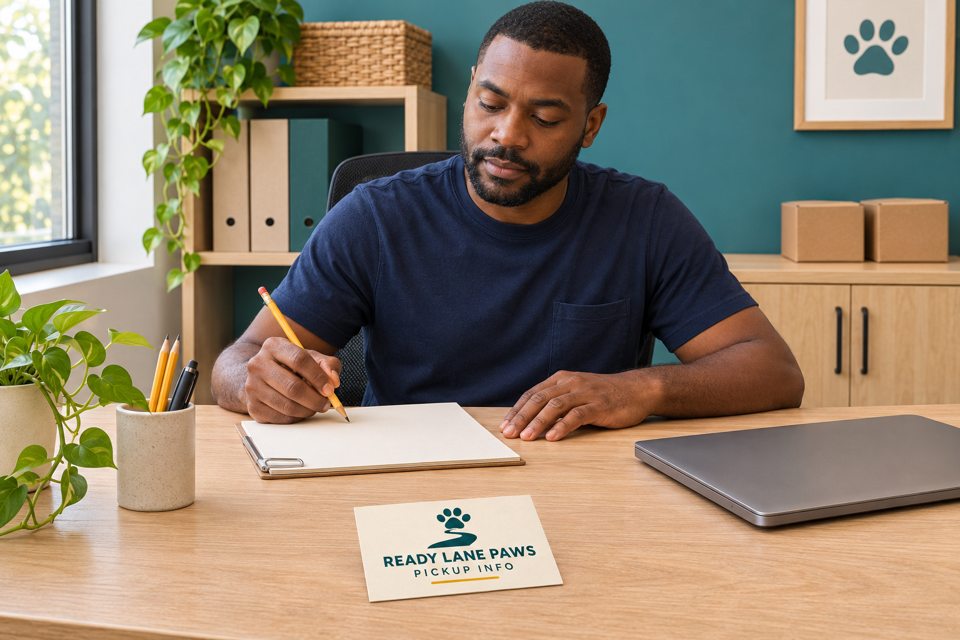
Fictional example: Ready Lane Paws offers store collection and a separately arranged delivery route. A draft general card says, “Order online and collect today.” The counter coordinator finds that the same wording is also attached to the order-received message for route-delivery customers.
The coordinator holds the card proof. The store lead checks the current process and separates the messages. The collection receipt now tells the customer to wait for that store's ready notification. The ready message identifies the fulfilling location and its approved collection instructions. The delivery message retains the order's confirmed delivery arrangement and removes the collection invitation.
The lead also removes “collect today” from the general card because a static card cannot confirm a live order. The approved replacement wording is: “For collection, wait for your store's ready notification. Follow the instructions in that message. For a delivery order, check your order's confirmed delivery arrangement.” The counter team acknowledges the revised wording. Existing suitable information cards remain in use, so no new print order is placed.
Keep changing status in the live channel
A general card can explain the process and identify an approved public contact channel. It should not carry a customer's order details, collection authorization or private delivery address. Keep current status and any required verification within the store's existing appropriate process.
Before reprinting, have the actual process owner check the wording against each available fulfillment route. If a branch does not provide curbside assistance, remove that instruction for that branch. If a status cannot be confirmed, direct the question to the responsible store through its current channel rather than inviting an unnecessary trip.
An optional general-information card

Standard business card
The linked standard business cards for general pickup information are listed at 3.5 × 2 inches, with standard 14pt stock, glossy paper and standard corners as defaults. The current minimum quantity is 50, with increments of 50.
Keep the message short and readable at actual size. This is ordinary printed information, not a live status system, receipt or collection credential. The image is an AI artwork concept; confirm your actual configuration and proof before ordering.
Compare custom business cards only if existing materials leave a real gap. Bring the approved general wording to DecentCustom after the responsible store has confirmed it.
Questions that stop mixed messages
Does an order receipt mean the customer should arrive?
Only if that store's actual process explicitly establishes readiness in that message. Keep a receipt separate from a later ready notification when they serve different functions.
Can one static card give every customer a collection date?
A general card does not establish a live order's readiness. Use the actual order channel for changing dates and status.
What if the customer has not received a ready notice?
Do not assume readiness. Use the fulfilling store's current contact process to resolve the missing information.
Reviewed November 17, 2026. The named retailers illustrate different published workflows, not a universal service standard. The Ready Lane Paws example is fictional. No real order status, delivery transaction, customer response or business result is claimed.