Grocery store operating guide
Put the next action where a customer needs it, with a clear route for orders or containers that need staff help.
Useful grocery pickup and refill instructions answer the question a customer has at that moment: where do I start, what do I do, what do I need, and who helps if it does not work?
Write those actions from your actual service, then place them along the customer’s route. A website paragraph, an entrance notice and a counter label have different jobs. They should agree about the process without repeating every detail everywhere.
Below are example messages, a filled instruction map and a practical way to check whether your words lead someone to the right next action.
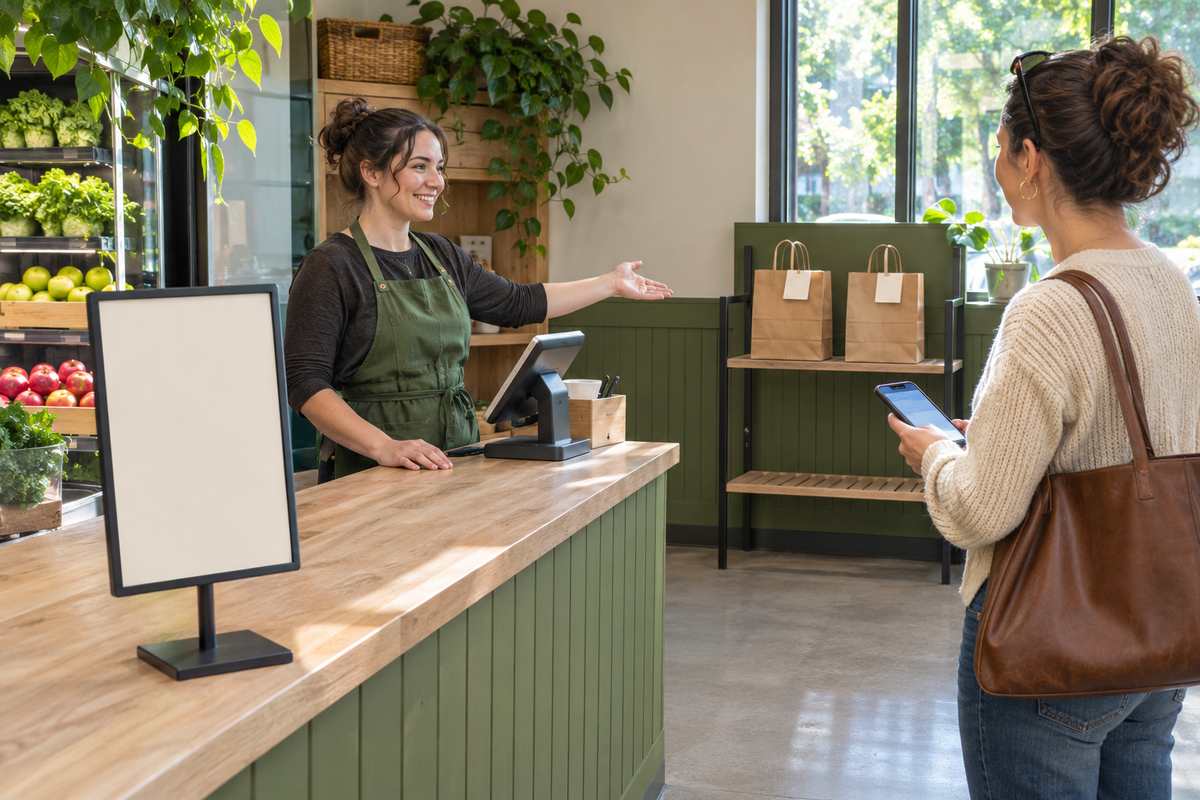
Start with the channel and the first action
“Pickup available” tells a customer there is a service. It does not tell them whether to park outside, approach a counter or look for a shelf. Those differences need to come from the service you operate.
For example, Publix’s curbside FAQ describes an arrival notification from a designated parking space. Wawa’s website-ordering FAQ directs customers to an in-store rack and asks them to check the name on the ticket. Wawa also distinguishes website ordering from app features. Keep a message specific to the channel; do not combine those separate routes into one generic promise.
Refill services differ too. re_ grocery’s instructions place empty-container weighing before filling. Mission Refill’s non-food refill FAQ describes staff weighing and an RFID record. Fillgood’s Berkeley store page describes telling staff what is needed so they can prepare the refill. Write your actual first step rather than borrowing another operator’s sequence.
Before drafting, ask the responsible employee to finish: “A first-time customer starts at ____ and does ____ before ____.” If two people give different answers, settle the process before printing the instruction.
Give each message one useful job
| Moment | What the customer needs to know | What belongs elsewhere |
|---|---|---|
| Before the visit | Which service/location was selected, what to bring, and how readiness is communicated. | Detailed staff packing and exception records. |
| At arrival | The correct first stop or reporting action. | A long description of the store’s history or every service offered. |
| At the counter, shelf or station | The next action and the record, item or staff check it depends on. | Unrelated promotions that compete with the instruction. |
| When something is missing or unclear | A reachable help route and what to keep or show while asking. | An instruction to guess, take a different order or skip a required check. |
Use the name customers can actually see. If the door notice says “collection point” while the indoor sign says “online orders,” a first-time visitor has to decide whether they mean the same place. Choose one clear term and use it consistently.
Example wording for a staffed pickup counter
Pickup orders
Start at this counter.
Show your order confirmation to a team member.
Cannot find your confirmation? Ask us here before collecting an order.
This example assumes a staffed counter that uses the confirmation for its matching process. Adapt it to your actual verification practice. Do not direct people to a staff member at a location that is normally unattended.
Example wording for a staff-assisted refill service
Refilling today?
Please bring your empty container to this counter before filling.
We will check the container and explain the next step.
No container? Ask us about the options available today.
This wording deliberately leaves acceptance and the next step with the operator. If your service has a different tare process, write that process. Do not label every empty vessel as acceptable or apply a household-product example to food.
A filled map for one pickup route
Illustrative setup: an independent shop has a staffed pickup counter inside the main entrance. Orders are released by staff after checking the customer’s confirmation. This is an example for adaptation, not a tested store system.
| Placement | Message or record | What a first-time visitor should be able to do |
|---|---|---|
| Ready notification | Your order is ready. Collect from the pickup counter inside the main entrance. Bring this confirmation. | Know when to come and what to keep available. |
| Inside the entrance | Pickup orders → staffed counter. | Find the counter using a direction checked from this viewpoint. |
| On the counter | Show your order confirmation to a team member. | Know the immediate action without searching through a paragraph. |
| Staff order record | Reference C218; two bags expected; confirm both before release. | This is a staff record, kept distinct from the general public sign. |
| When an order cannot be found | Please ask at this counter before collecting an order. | Reach help without guessing which bag belongs to them. |
Copy the map using your real notification, entrance, first stop, next action and help route. An arrow needs a physical placement check. A notice that works on a desktop mockup may point the wrong way from the actual entrance.
Keep changing details easy to replace. Opening hours, temporary pickup locations and service availability can change sooner than a printed bag is used up. A stable store name can go on permanent artwork while current instructions remain on the notification and the appropriate notice.
Walk the route before committing to print
Use a paper mockup or existing sign holder first. Ask someone unfamiliar with the draft service to explain the next action using only the messages they would actually encounter. If a representative customer has not tried it, record this as an internal check rather than a customer test.
- Start before arrival. Can the person identify the correct location and what to bring from the notification?
- Stand at the entrance. Can they find the first stop without staff coaching? Check the actual sightline, competing notices and direction.
- Read from the normal stopping point. Is the immediate action legible? Shorten or enlarge the useful wording rather than shrinking it to fit more copy.
- Try an exception. Ask what they would do if the order was missing or they had no container. The message needs an available help route.
- Compare all versions. Check the website, notification, notice and staff explanation for conflicting names or steps.
Record the point of confusion and change the wording or placement that caused it. No fixed word count guarantees understanding. A QR code may provide additional detail, but keep the essential immediate action visible without requiring a phone scan.
Print a message that is ready to stay useful
Browse custom stickers and labels when a stable message needs to appear on an appropriate surface. Check the actual material, size, readability and use conditions before approving a configuration.

Configurable product labels
The page offers configurable materials, shapes and sizes. The default purchase quantity is one ordering unit, while the package description refers to a sheet. Confirm labels per sheet and the selected configuration before calculating a per-label cost. Do not assume a writable, removable, RFID or food-contact specification.

Small white paper bag
The page lists 4.75 W × 8.75 H × 3 inches and an unlined white-paper construction for dry, protected items. Current minimum: 200 bags; listed case pack: 500. Compare the fully wrapped item and closure allowance. It is not a liquid, grease-resistant or temperature-control package.
A label that identifies a product, a temporary order ticket and an instruction fixed to a counter have different requirements. The label example does not establish RFID, barcode-system compatibility, food-contact approval, writable finish or removability. Confirm the properties your chosen use needs.
Do not put a changing pickup deadline or a customer’s order details into permanent bag artwork. For a small paper carrier, keep the packed item and use limits in view; the carrier is not the complete instruction system.
Keep one current instruction map
Name the person who updates the service message. Keep the approved location name, first action, required record, help route and revision date together. When the process changes, check every customer-facing version against that map.
Then use the stable parts of the message when choosing custom products from DecentCustom. If an ordinary replaceable notice communicates the current step adequately, use it while the service is still changing.
Instruction-writing questions
Should we put the whole process on the entrance sign?
Put the first useful action there and the next instruction at its point of use. Before-visit requirements still need to reach customers before they travel.
Can pickup and refill share one instruction?
They can share a visible service location when that is how the shop works, but the actions should remain clear. Collecting an order and checking an empty container are separate tasks.
How do we know the wording is clear?
Observe whether someone can find the first stop, explain the next action and locate help from the actual messages. Internal review is a starting point; real first-time reader feedback provides different evidence.