Employee family day planning • Reviewed November 27, 2026
Before sending an employee family day invitation, agree on who can attend and ask for a count of people. Keep that count separate from households receiving invitations and from printed cards.
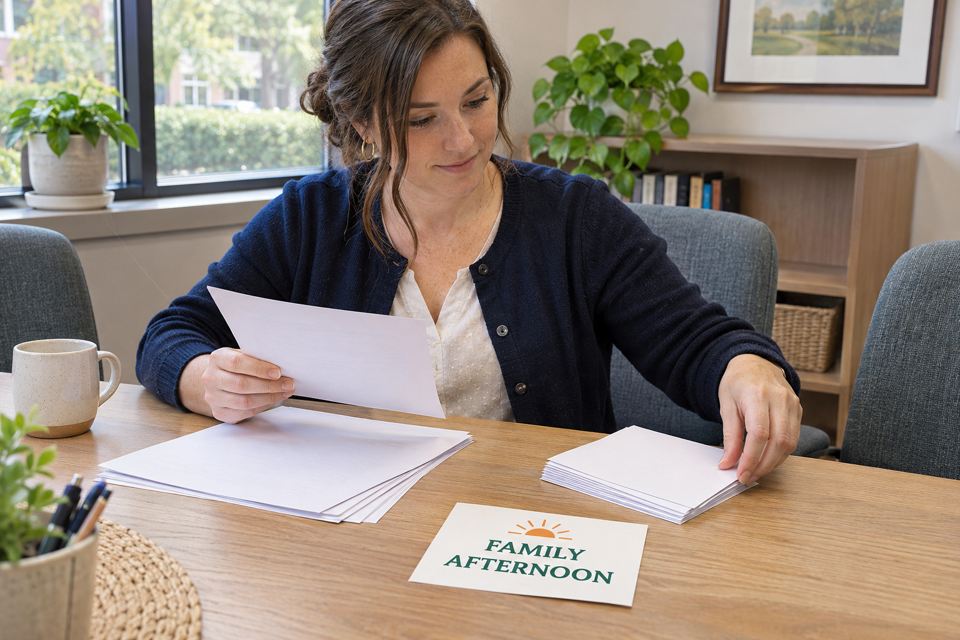
This guide gives an office coordinator a sample invitation and a worked count. It is for a company-organized gathering; your employer sets its guest policy, schedule and arrangements. An employee family day does not automatically share the date or programme of an unrelated national or international observance.
Decide what “family welcome” means before opening RSVPs
A message that says “bring your family” leaves employees guessing about partners, children, other relatives and guest limits. Ask the event owner to approve a plain description. For example: “Employees may attend alone or bring up to three guests, including children.” That is an example policy, not a recommended limit for every employer.
Also confirm whether attendance is optional, whether guests pay anything, the event hours, the exact meeting point and who answers questions. If children are welcome, state the actual accompanying-adult arrangements. Activities led by a facilitator do not by themselves establish a childcare service. Do not promise supervision the organizer has not arranged.
There is a genuine scheduling tradeoff. APHL's group picnic and family day guide discusses work-hours versus family availability, weather alternatives, RSVPs and dietary requests. Use those as planning questions; your venue, employees and confirmed arrangements determine the answers.
Collect the counts you actually need
Use one response per employee household, with separate fields for the employee attending, additional adults and children. Explain whether the employee is included in each total. “Number attending” is ambiguous when one person counts only guests and another includes themselves.
If an activity or caterer needs child age bands, ask for those bands and explain the purpose. Avoid collecting exact birth dates or a family's personal history simply to count places. Provide a private event contact for dietary or access requests instead of requiring people to post them on a shared attendance sheet.
Add “not attending” and “not decided yet” where useful. A blank response is unresolved, not a confirmed zero. Give a named contact and a correction deadline so a changed household count can reach the person responsible for the venue or catering update.
A filled invitation example
The following organization, arrangements and dates are fictional. Replace them only with approved details for your own event.
Northline Employee Family Afternoon
Join us on Saturday, June 12, 2027, from noon to 3 p.m. at Cedar Hall, 20 Example Lane. Attendance is optional. Employees may come alone or bring up to three guests, including children. There is no guest charge in this example.
Lunch and drop-in table activities are provided. Children stay with their accompanying adult; this event does not provide a drop-off childcare service. Please use the main hall entrance. The event is indoors.
Reply through the employee event form by June 1. Tell us whether you are attending, how many additional adults are coming and how many children are coming. Do not count yourself again under additional adults. Contact the office event coordinator privately about dietary or access requests or changes to your reply. The coordinator will confirm what can be arranged.
This example lets a reader answer the basic participation questions without needing to scan a code first. In your final invitation, replace “employee event form” and “office event coordinator” with the actual working route and contact. Test both before distribution.
Work out people, households and cards separately
Hypothetical example: forty employees receive an invitation. At the review cutoff, 34 employees have confirmed that they will attend, bringing 21 additional adults and 26 children. Six employees have not decided.
| Planning item | Count | What it means |
|---|---|---|
| Employees invited | 40 | People who receive the initial employee invitation. |
| Registered attendees | 81 | 34 employees + 21 additional adults + 26 children. |
| Unresolved employee replies | 6 | Attendance and guest counts are still unknown. |
| Household handouts, if one per invited employee | 40 | A distribution choice, not an attendance forecast. |
The 81 registered people are not automatically 81 meals, gifts or printed invitations. For meals, reconcile the caterer's counting rules, separate crew requirements and the actual agreement about late changes. For a household information card, one per employee may be enough. If a giveaway is optional, define who receives it before choosing an order quantity.
Do not multiply forty employees by an assumed family size and label the result confirmed attendance. Do not add an unexplained percentage buffer either. If the venue needs a final number before the six replies are resolved, ask the event owner to choose a documented arrangement with the venue. State the remaining uncertainty.
Keep one current record when plans change
Give one coordinator ownership of the response list. Record the cutoff time and maintain separate columns for invited households, confirmed people and pending replies. When an employee changes a response, replace that household's earlier count; do not append another household and count it twice.
Check the invitation against the approved event details before printing or sending. If a location or time changes later, update the digital notice and directly inform the people already invited through the established employee channel. A corrected form does not update paper already handed out.
Print a reminder only when it serves the invitation
A flat invitation card, when paper helps
An employee email, calendar entry or existing information sheet may do the job. A paper card can help when a take-home reminder is useful, but it should direct readers to the same current response route and event contact.
For that optional handout, custom flat postcards for employee event invitations are a possible format. The listing offers several sizes and single- or double-sided full-color printing. It states ordering in increments of 50; that increment does not establish the minimum selectable quantity or your event's attendance. Check the current configuration and quantities before ordering.
Compare formats in custom thank-you cards and postcards only if a printed handout is useful. Share confirmed wording and approved artwork with DecentCustom. The card communicates arrangements; it does not provide admission control, registration software, supervision or a delivery-date guarantee.
AI artwork concept: Family Afternoon. The flat postcard illustration is not an actual print sample or a confirmed event invitation.
Questions before sending
Should I order one invitation for every guest?
Choose the distribution unit first. One take-home card per invited employee is different from one per attendee. Count the actual handouts you plan to distribute.
Does “family day” mean children will be supervised?
Read the organizer's stated arrangements. Say who accompanies children and whether any childcare service actually exists. Do not infer it from the event name.
Can I include employees who have not replied in the final count?
Keep them marked unresolved until you receive a reply. If a supplier needs a commitment sooner, the event owner must agree on how that uncertainty is handled.