Store operations • Reviewed November 29, 2026
Announce the effective date first. When the new weekly hours take effect, update the right location across your website, maps and entrance. Keep any single-day exception on its own date.
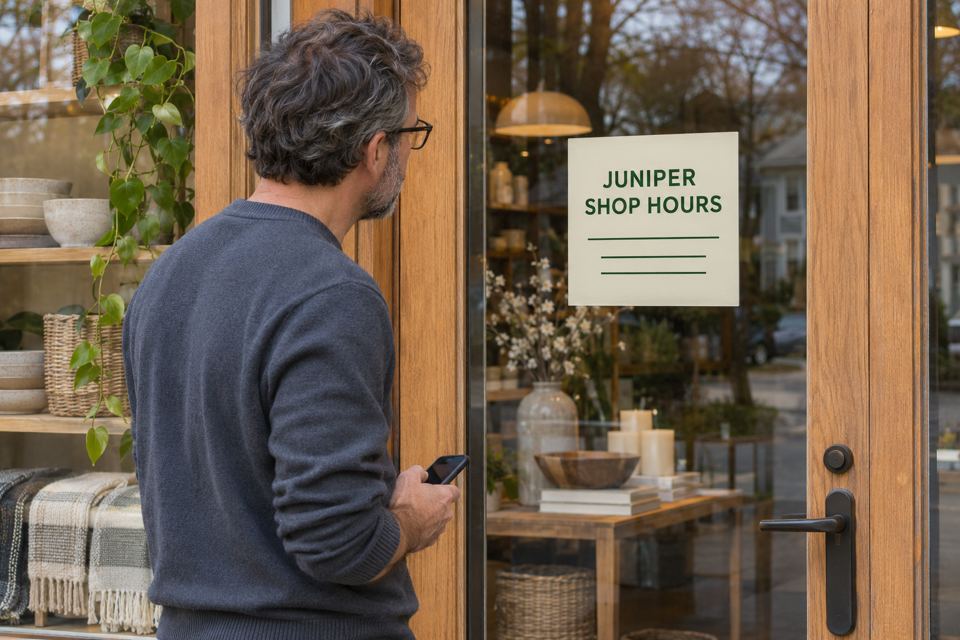
What should the store approve before updating its hours?
Write one record with the branch name and address, local time zone, current schedule, effective date, new weekly schedule and any separately approved date exceptions. Ask the store manager to approve it and assign one person to confirm what customers actually see.
Use the field that matches each kind of change. Google Business Profile’s main hours settings apply to a normal week, while its Special hours apply to the designated dates. The Apple Business location guide similarly distinguishes normal and temporary hours and recommends aligning the place card and your website where possible. Check the public listing for your exact location after editing it.
Decide separately whether an appointment desk, pickup counter or other service moves to the new times. When its hours differ, spell out the difference where customers use that service.
How do you switch one branch when an exception is already planned?
In this fictional example, Juniper’s Elm Street branch is moving its six-day schedule one hour earlier. Staff can still work the old hours through December 6, 2026. The change starts Monday, December 7. The River Road branch keeps its own schedule.
| Period | Elm Street visit hours | What to publish |
|---|---|---|
| Through December 6 | Monday–Saturday 10 a.m.–6 p.m. Sunday closed. | Keep current hours in the regular fields. Post a separate notice giving the December 7 start date. |
| Weekly from December 7 | Monday–Saturday 9 a.m.–5 p.m. Sunday closed. | Update regular hours for Elm Street. Replace the old dated notice and update the location page, maps and phone message where applicable. |
| Thursday, December 10 only | 11 a.m.–5 p.m. local time. | Use the date-specific field and an explicit notice for that day. Keep the regular Thursday opening time of 9 a.m. |
Before December 7, the website notice can say: “Elm Street: Beginning Monday, December 7, we’ll open Monday–Saturday from 9 a.m. to 5 p.m. and close on Sundays. On Thursday, December 10 only, Elm Street opens at 11 a.m. Regular hours continue at River Road.” After the switch, put the weekly schedule in the main hours display and keep December 10 visible as its own exception.
What should someone check from a customer’s phone?
- Open the Elm Street location page and map result, then read what they say for a normal Tuesday and for December 10. In this example, both should agree on Tuesday 9–5 and December 10 11–5. Check the River Road result to catch a wrong-branch edit.
- Walk up to the entrance customers use. Read the notice from the outside, in the lighting people actually encounter. Look for an older schedule beside it or a second entrance still carrying the old hours.
- Record the channel, observed hours and check time. If a listing still shows 10–6, confirm its branch and update status. Keep the correct location page and dated notice available in channels you control, and assign a follow-up check for the listing. Keep that item open until the public display agrees.
Review the control points after the one-day exception. The following Thursday should show the new regular hours, and a leftover December 10 notice should leave the door. For an existing pickup or appointment tied to the old hours, use your established process to contact the affected customer.
When is a new window notice worth printing?

Use a stable notice for the weekly schedule
Try the wording on an actual-size paper mockup. Check glare, reading distance and whether the sign fits the glass. If the timetable is still changing, use a replaceable paper insert. For a short exception, see the dated store-hours exception guide.
These custom window clings for an approved hours notice list an 8 × 8-inch option and clear or opaque backgrounds. Compare custom marketing materials for your storefront after the layout test. Give DecentCustom the approved art, intended glass side and actual quantity before ordering.
Common questions about changing store hours
When should I announce the change?
Share the approved start date before the change. Have an owner switch the weekly schedule when it takes effect and verify the public display soon afterward.
Should I change other branches too?
Update only the locations with an approved change. Name each affected branch in announcements and verify the location selector before saving.
What if the new hours are still a trial?
Say when the trial starts and ends. Use a notice you can replace and set a date to confirm the schedule customers should see afterward.