Tell returning employees how to get into the building, where to work and who can help if the plan falls through. Put those details in one current welcome note before people make the trip.
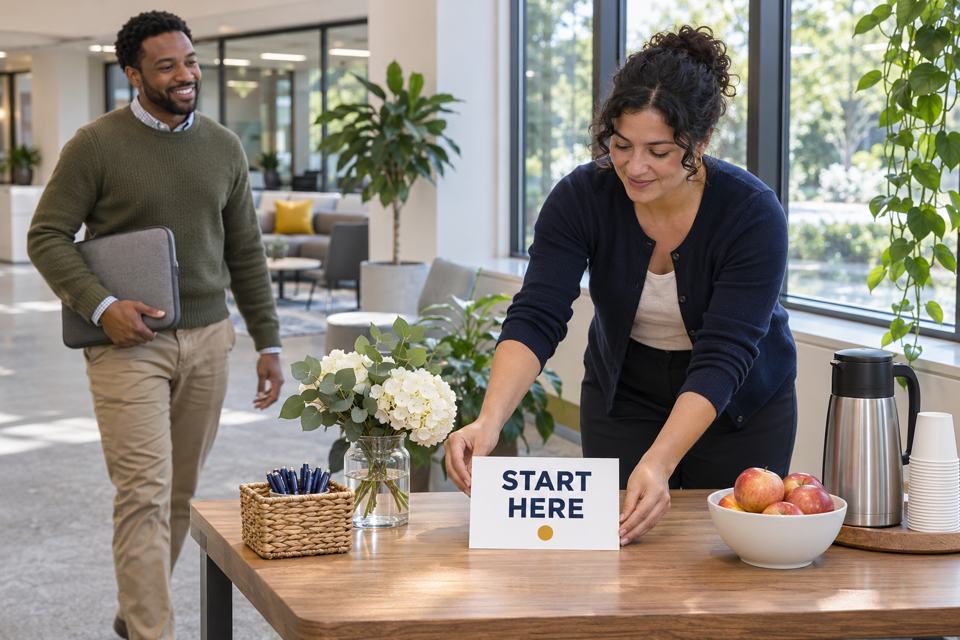
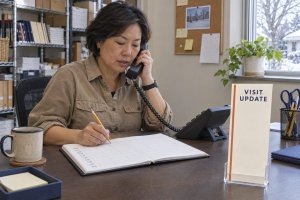
Illustrated office arrival scene. The Start Here card is a fictional design.
Can employees book a desk before they commute?
Tell them when reservations open, how to confirm a booking and who can help if the page shows no suitable desks. A desk appearing on a map does not mean it is available on the day they need it.
In a discussion about returning to shared desks, an employee describes planning around a short booking window. Another reader asks what a hotel desk is. Use your office's actual terms in the note and explain them the first time they appear.
For example, Penn’s desk hoteling resource distinguishes same-day hot desks from hotel desks that can be booked ahead under locally set rules. When the words sound interchangeable, the booking process matters more than the label.
In a separate discussion of hot desking, one employee describes a facilities contact who keeps spare desks for last-minute requests. Another describes staff searching around an office with first-come seating. A backup desk is helpful only if the office actually offers it and tells people how to ask.
Put entrance, workspace and help on separate lines
Read the welcome note as if you were outside the building with a laptop bag and five minutes before a call. Could you tell which entrance to use, whether you have a place to sit and who can answer if the screen says something different?
Arrival: Give the confirmed entrance, staffed hours and normal check-in route. People who need help with a badge should have an authorized contact before the trip.
Workspace: Explain what counts as a confirmed booking. Include any check-in or release rule and say where to find current desk and equipment details.
Backup: Tell people whom to contact if the booked desk disappears or their access is unresolved. State who can confirm a different desk, workspace or plan for the day.
The UCSF Hoteling Hub instructions describe a reservation and badge access to the building and floor as separate steps. They also direct calls to particular rooms. That distinction helps an organizer think through how someone will actually use the space after they arrive.
A welcome note that resolves an uncertain desk
Suppose a fictional coordinator has issued a welcome for Monday but hears that the desks in the employee's usual area are full. The badge is ready. The desk remains unconfirmed. The coordinator asks facilities to name the available alternatives and the team lead to confirm what happens if none fit.
Monday office return at North Lobby
Use the North Lobby check-in during staffed hours. Check the current staff note for the address and hours. Before leaving home, look for your confirmed workstation in the booking tool and complete any check-in it requests when you arrive.
If you cannot book a suitable desk, send Facilities your intended visit day through the existing help channel. Ask which workspace is available and what equipment is there. If a suitable alternative is still unconfirmed, ask your team lead to confirm the plan for that day before you travel. Use the same staff note for updates.
In the example, reception handles the entrance, Facilities handles the desk and the team lead handles the work plan. Before sending the real note, replace these role names with monitored contact routes. Try the process with someone who was away when the office changed.
What can go on a printed welcome card?
A card at a reception table can point to the current staff note. Keep booked seats, changing opening hours and individual access details in the channels responsible for them.
A flat reminder for reception
These custom postcards for a stable welcome message list a 6 × 4-inch format and full-color printing on one or both sides. The listed order increment is 50. An existing sign or a message in the staff app may already do the job.
Check how your office runs its shared spaces. Say whether people reserve ahead, book the same day or take an available desk when they arrive.
Does a booked desk mean my badge works on that floor?
Ask the access owner to confirm entry separately from the reservation, especially if your building, floor or badge has changed.
What if the only desk left lacks equipment I need?
Describe the equipment requirement to the workplace contact and ask which available option fits. Confirm the plan with the person responsible before making the trip.
The forum examples describe individual experiences. The university resources apply to their own locations or systems. The sample welcome and images are fictional.