Dealer program operations • Reviewed November 29, 2026
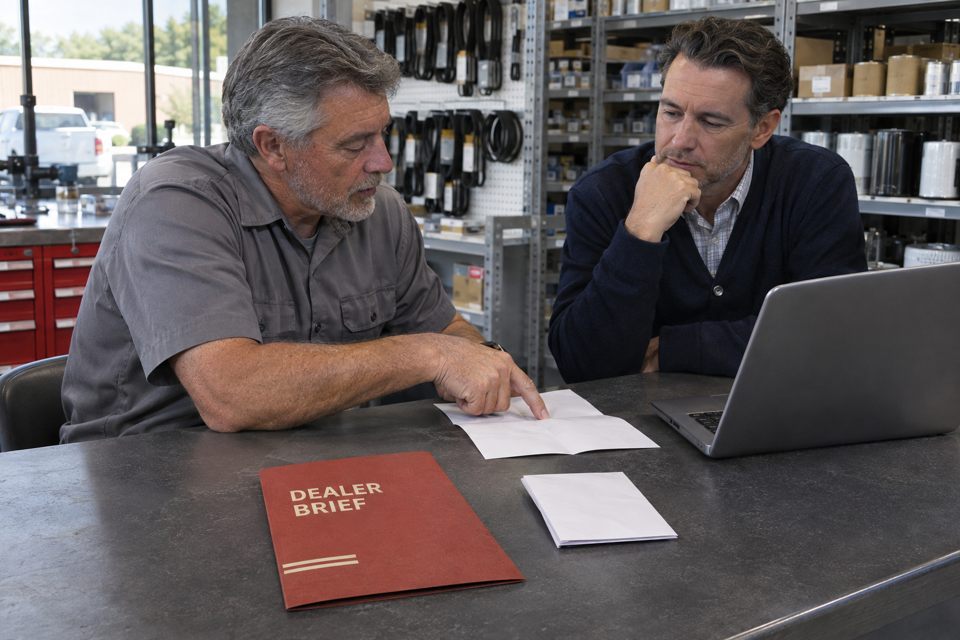
When a dealer calls with last week’s price sheet, confirm the account, location, item and date, then check for a current written quote. Three examples show what to verify before the order moves forward.
Which price source should the dealer check?
Open the current dealer catalog for the account and ship-to location. Match the supplier item number, configuration, order unit, quantity, currency and relevant date. Look up any existing quote for that same order before giving the buyer a price. If the catalog and a current quote differ, ask the dealer program’s pricing owner to confirm which to use and record the answer before submitting the order.
A meeting slide can be useful for explaining what changed. The buyer also needs to know where to find the applicable details afterward. Keep a clear source name and version on any extract, and identify the date range and audience it covers. An attachment saved to a desktop can survive long after the working catalog has changed.
Two systems illustrate why the checks matter. The Shopify B2B ordering guide describes catalog prices assigned to the company location selected at sign-in. Microsoft Dynamics 365 Sales documentation explains that its active quote retains its amount even as the price list changes. Consult your own program’s current workflow and written terms for an actual order.
How should the ordering desk handle three common mismatches?
At a fictional parts distributor, the catalog manager owns general updates and the quote desk handles confirmed exceptions. Each example starts with an order item and a specific source to check.
| What the buyer sees | What to verify | Next action |
|---|---|---|
| The meeting handout shows D2. The dealer portal shows D3. | D3’s effective date, matched SKU and order unit for this location. | If D3 applies and no written quote is open, direct the buyer to the verified current location catalog and identify the older handout. |
| The same item shows different amounts at two branches. | The account, intended ship-to location, quantity and package unit in each view. | Select the ordering branch, then review its matching catalog entry. Ask support if the mismatch remains. |
| Written quote Q17 is still within its stated response window. The portal now shows a different amount. | Q17’s exact revision, buyer, configuration, quantity, written terms and any later communication. | Ask the quote desk which documented path applies; record its answer and link the applicable quote revision or catalog entry to the order record. |
One mismatch may disappear as soon as the unit matches. For example, a hypothetical carton contains 12 items. For an order of 24 items, the comparable quantity is two cartons. Compare like units before asking the desk to investigate an apparent difference.
What should the dealer send to the quote desk?
For our Riverside location, please confirm the source for parts kit A17, two cartons, for the order planned on December 9. Our current account view shows catalog D3. We also have quote Q17 revision 2, dated December 3. Please confirm which written record we should reference for this configuration and quantity, or provide an updated quote if the order has changed.
Use the program’s private channel and include only the context the desk needs. Record the named responder, date, source link and decision. If an answer only covers one location or one quantity, keep that scope on the order record. If the buyer changes the ship-to location or quantity after the reply, verify whether the same answer still applies.
What belongs in a printed dealer meeting folder?
Keep the cover useful after a version changes
A stable program name and approved support route can stay on a reusable folder. Share frequently revised prices and account terms through the maintained portal. When a printed insert is needed, identify its version and dates, and plan how recipients will find any replacement.
These 6 × 9-inch presentation folders have inside pockets sized for folded letter sheets. Check how a folded sample fits before ordering. Compare custom marketing materials for dealer meetings and bring the intended artwork, paper finish and actual folder count to DecentCustom. Existing folders and digital distribution also work when the attendees can find the current source.
Dealer meeting price list questions
Can a dealer use a meeting handout to place an order?
Verify the location, item, order unit and date in the current source before using figures from the handout. Check for a written quote that applies to the order.
Does a catalog update automatically replace a written quote?
Check the quote’s revision and scope and ask the program’s quote desk how to proceed. Record the answer alongside the order.
Should the meeting packet include the whole catalog?
Use the maintained catalog when recipients can access it. If participants need a working copy for the session, limit it to what they need and mark its version and date.